Overview
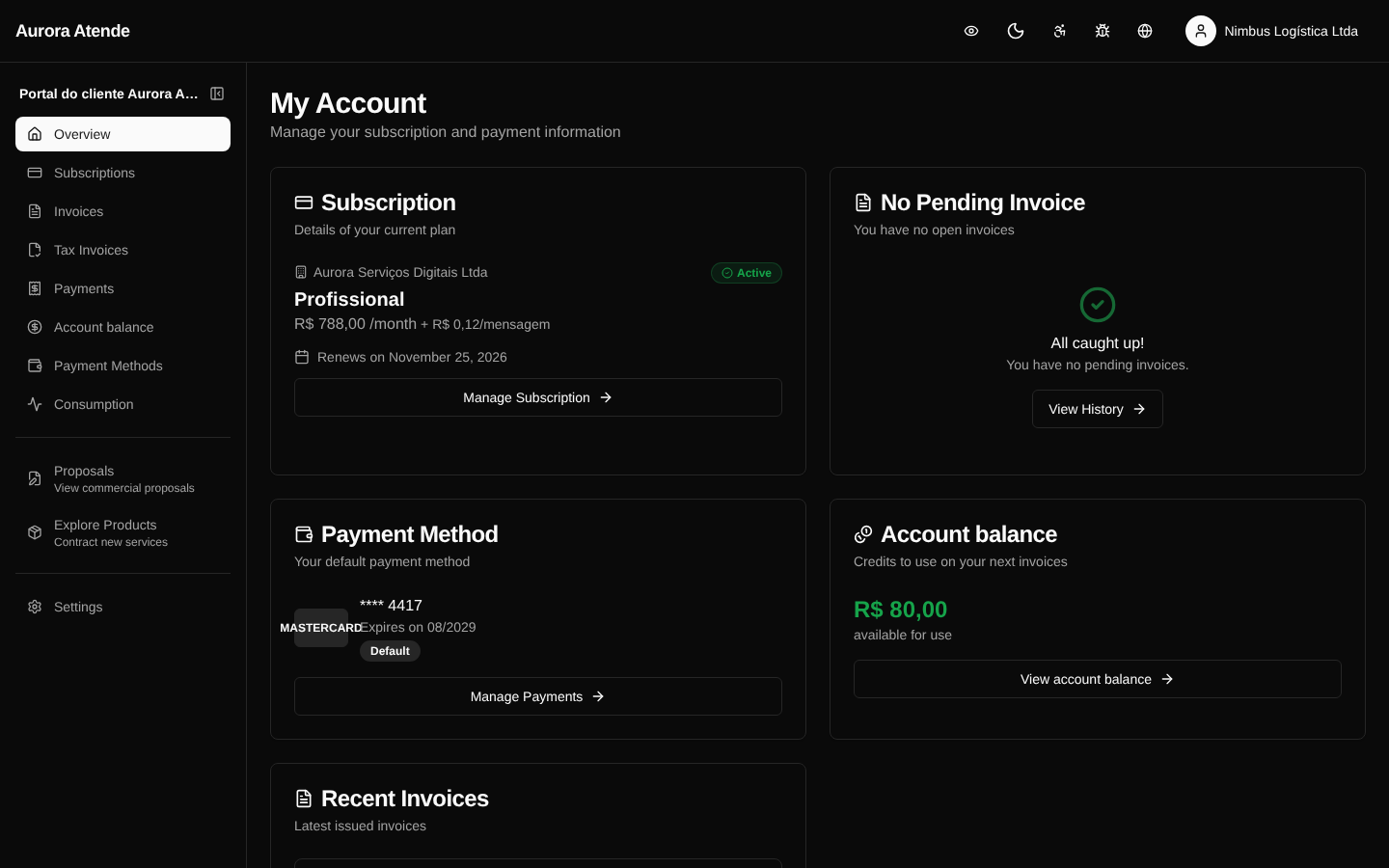
The portal home page (/portal) gives a summary of the customer's financial relationship with the organization: active subscription, next invoice, last payment, available credits and shortcuts to the most common actions.
Main cards
- Next charge — date, amount and method (card, boleto, PIX).
- Active subscription — plan, cycle and status.
- Last payment — date, amount and status (succeeded, processing, failed).
- Available credit — total balance and a link to the history.
- Open invoices — alert when there are overdue boletos or boletos close to their due date.
Shortcuts
The page offers shortcuts to:
- Pay the next invoice
- Change the default payment method
- Update billing details
- Contact support
Customization
The logo, colors and texts follow the configuration defined by the organization in Customer Portal. The customer can switch between light and dark theme.
Screenshot