Products
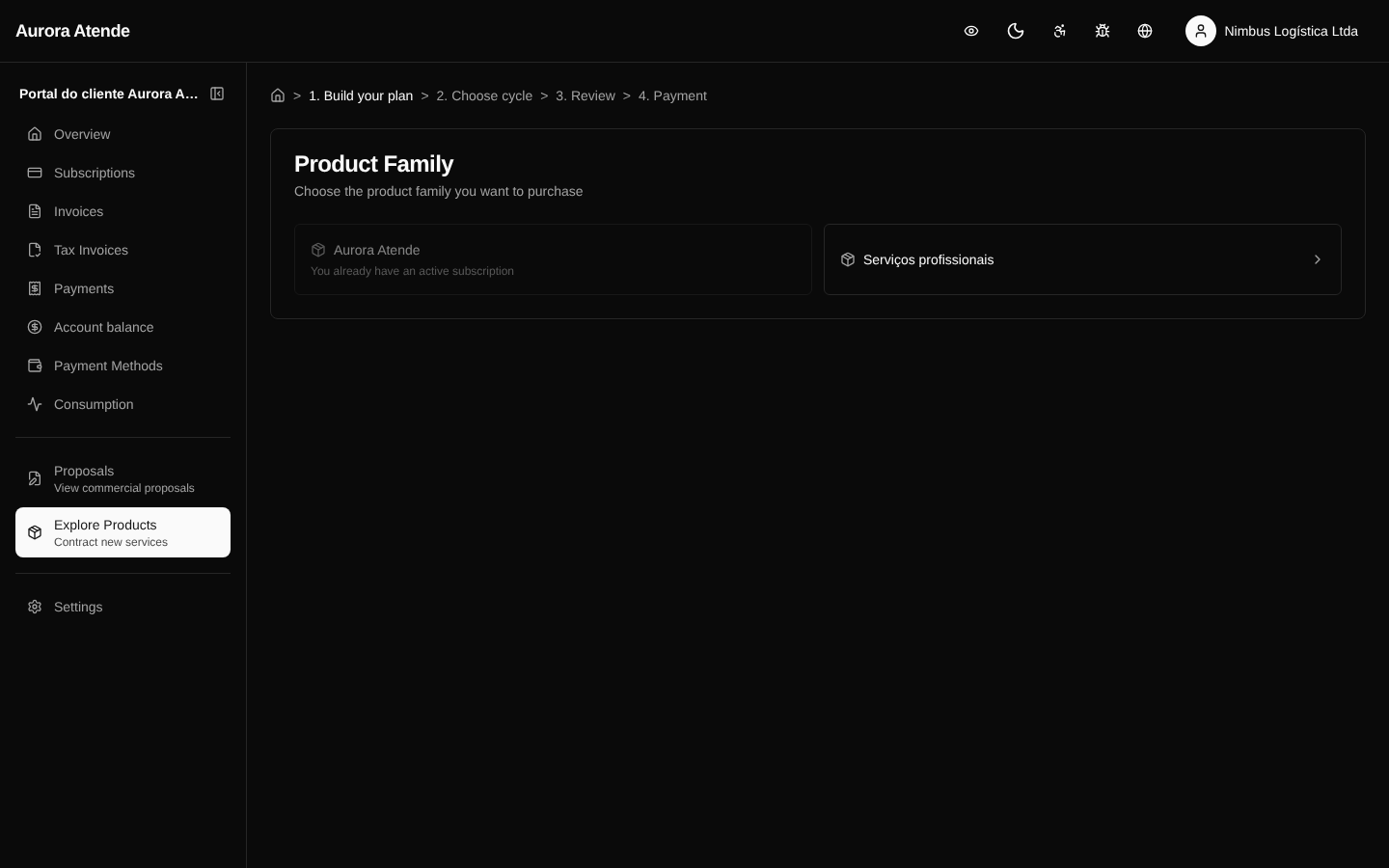
The /portal/products page is the self-service storefront of the products and plans the organization has published for direct sale in the portal. The customer can purchase new products without going through the sales team, with checkout integrated with the payment methods already registered.
What appears
Only products marked as published (is_published = true) and with at least one active price. The presentation follows the grouping configured in Product Groups, with cards, descriptions and a price table.
Purchase flow
- The customer selects the product/plan.
- Confirms quantity and add-ons.
- Chooses or registers a payment method.
- Confirms — a subscription is created (or a one-off order, depending on the product).
- The first invoice is generated and charged according to the method.
The whole flow follows the cycle, trial and proration settings defined by the organization. When the customer already has an active subscription, the system offers the option to add the item to the existing subscription.
Custom catalog
The organization can hide products from the portal while keeping them available via the API or commercial proposals. This makes it possible to use the portal only for controlled upsell, or to offer everything as self-service.
Screenshot