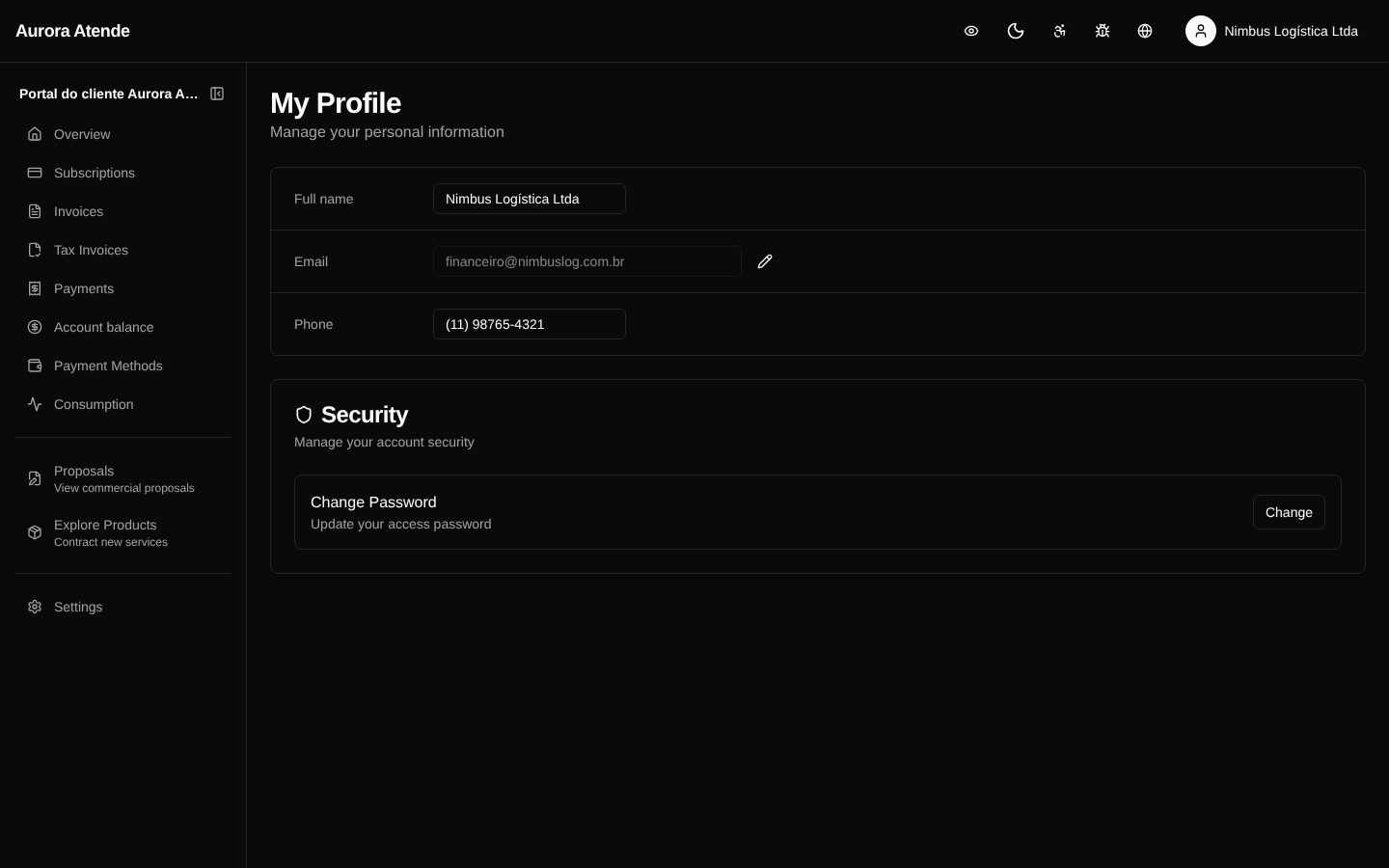
Profile
The /portal/profile page gathers the personal preferences of the user signed in to the portal. Unlike Account, which covers the paying legal entity or individual, the profile is per person who uses the portal.
What the user can adjust
- Display name
- Email — used for magic-link sign-in and notifications
- Theme — light, dark or automatic
- Language —
pt-BRoren-US - Notification preferences — which emails to receive (invoice reminder, payment receipt, end of trial, etc.)
Multiple users per account
The same billing account can have several portal users (partners, finance, accountant). Each has their own profile and email preference, but all see the same billing data.
Security
- Changing the email triggers a confirmation to both the old and the new email.
- The confirmation token is stored encrypted (
lib/crypto.ts). - Every change is recorded in the Audit Log.
Screenshot