Payments
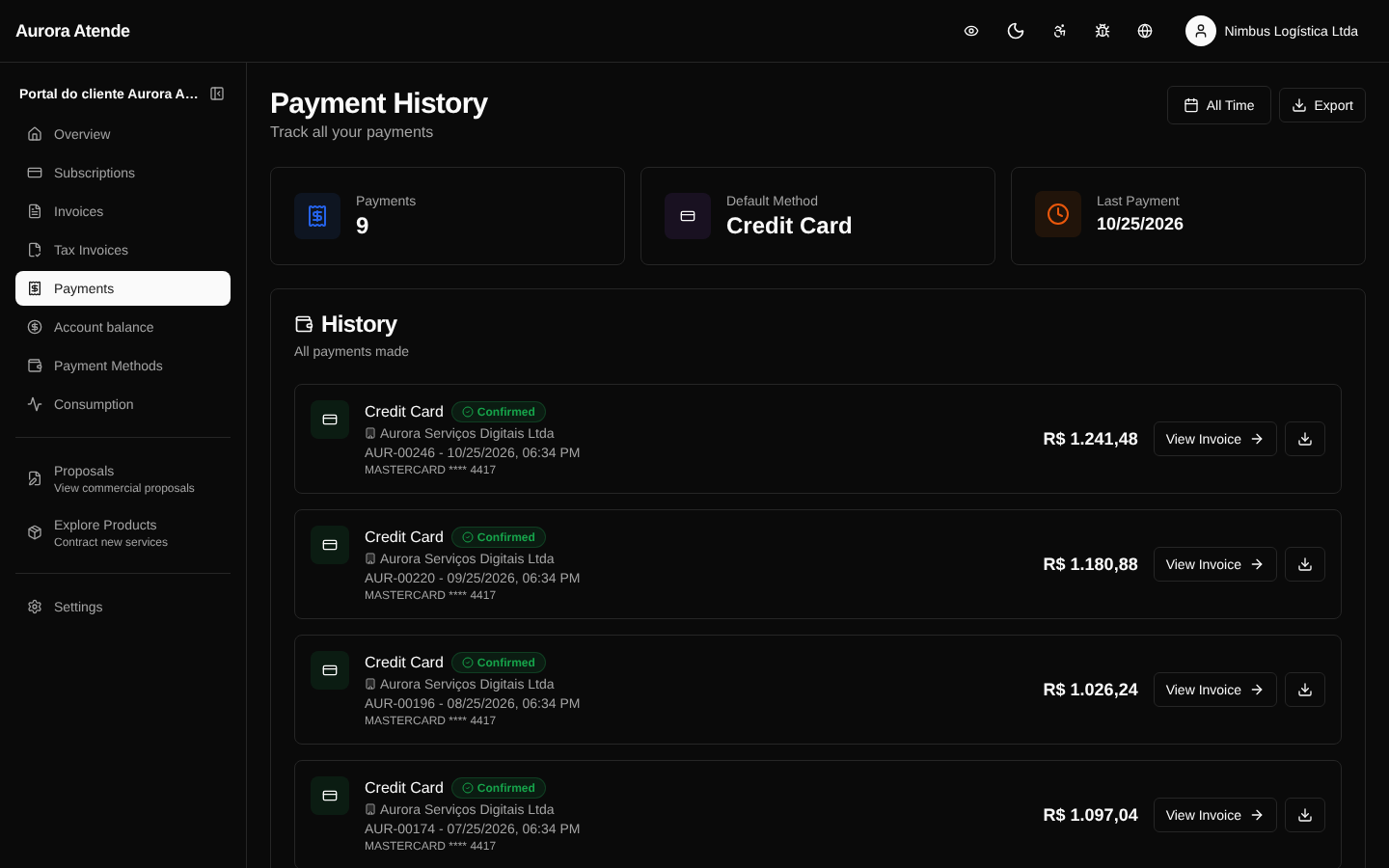
The /portal/payments page shows the history of payments already processed on the billing account — regardless of method or originating invoice. It is the statement view, useful for accounting checks and billing questions.
Information per payment
- Date of processing
- Amount
- Method — card, boleto, PIX, transfer
- Status —
succeeded,pending,failed,refunded,chargeback - Related invoice — link to the originating invoice
- Gateway — when relevant (for support only)
Filters
- Status
- Method
- Date range
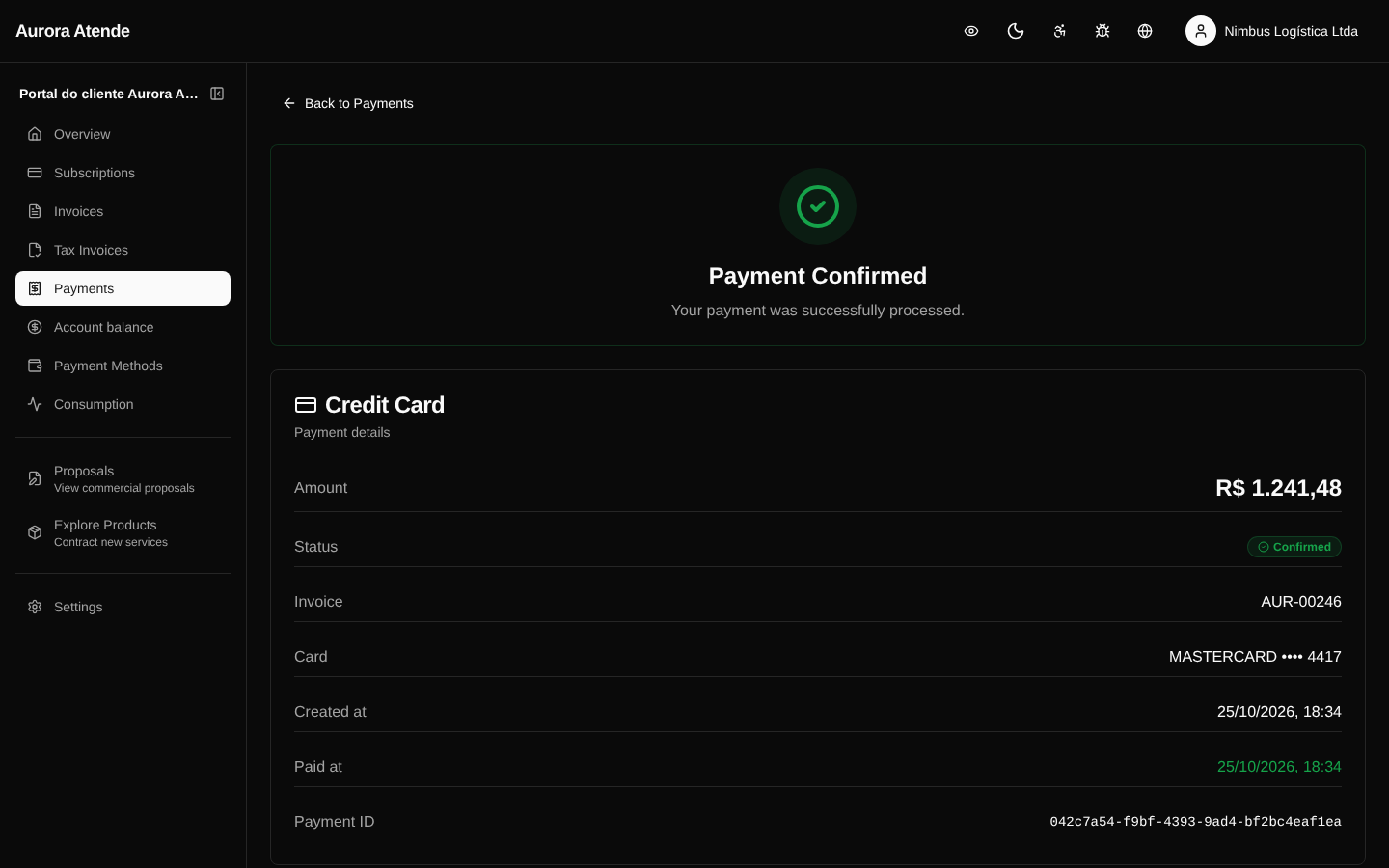
Payment detail
At /portal/payments/[id] the customer sees the receipt:
- Payment identifier
- Paying customer, billing account
- Invoice settled and its items
- Method used (last 4 digits of the card, boleto bank, PIX key)
- Detailed status and gateway message
- Button to download the receipt as PDF
Refunds and reversals
When a payment is refunded by the organization, the status becomes refunded and a link points to the refund record. The corresponding credit (if any) appears in Credits.
Screenshot — list
Screenshot — detail