Payment Methods
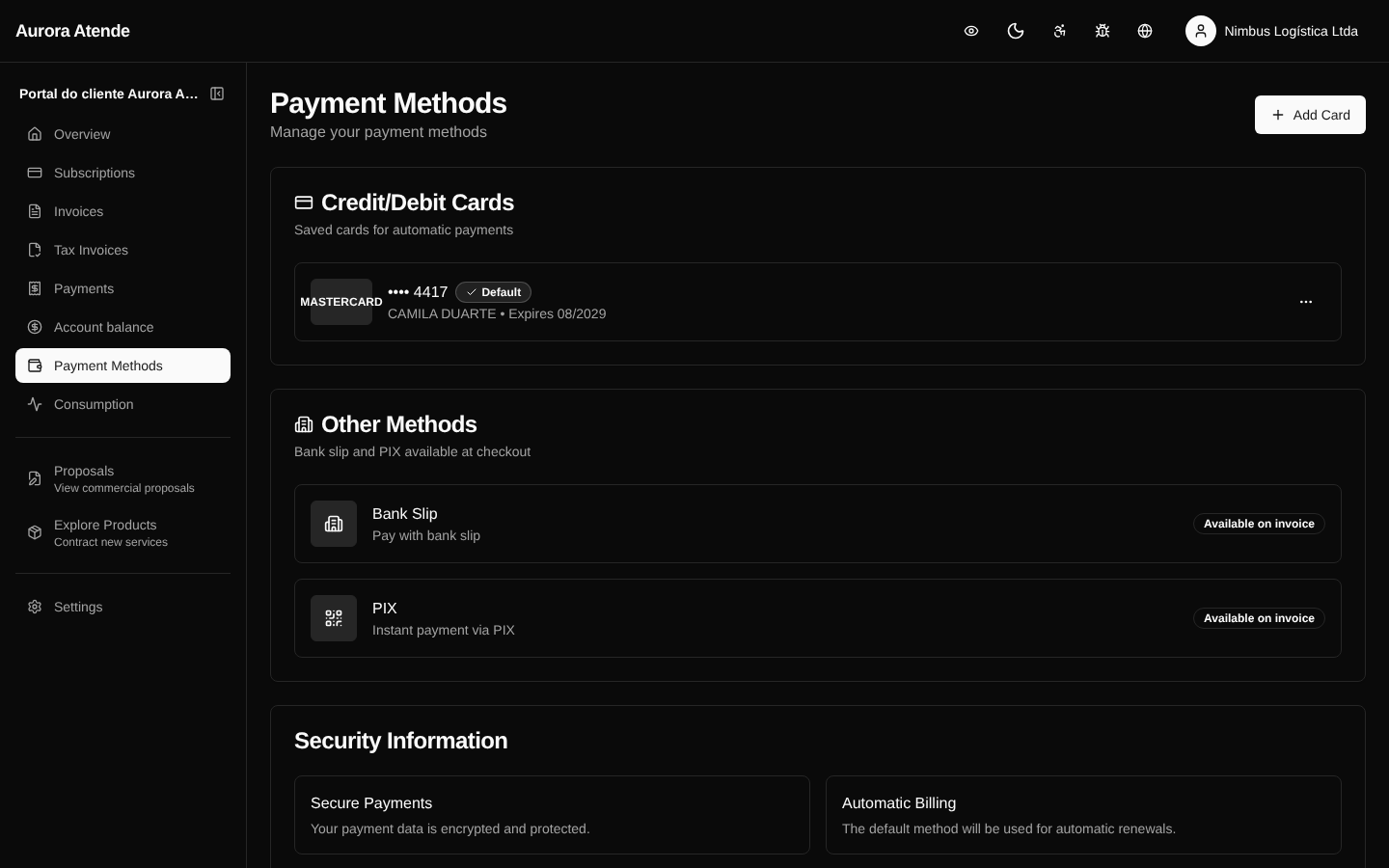
At /portal/payment-methods the customer manages the payment methods associated with the billing account. The page supports multiple methods at once and defines which one is the default for automatic charges.
Supported methods
- Credit card — Visa, Mastercard, Elo, Amex and Hipercard, depending on the gateway. Stores the token, brand, last 4 digits and expiration.
- Boleto — generated for each invoice when the customer chooses boleto as the default.
- PIX — payment via QR code or copy-and-paste, generated invoice by invoice.
- Bank transfer — when enabled by the organization, with account details for the deposit.
Actions
- Add card — form tokenized by the gateway; sensitive data never goes through the platform's servers.
- Set as default — method used for automatic charges (charge_automatically).
- Remove — deletes the token; future charges depend on another method.
Expiring card
The card-expiring worker (weekly) detects cards about to expire and sends a notification so the customer updates it before the next charge fails.
Security
- Card tokens are stored at the gateway, not on the platform.
- The customer never sees the full card number after registering it.
- Additions and removals are recorded in the Audit Log.
Screenshot