Credits
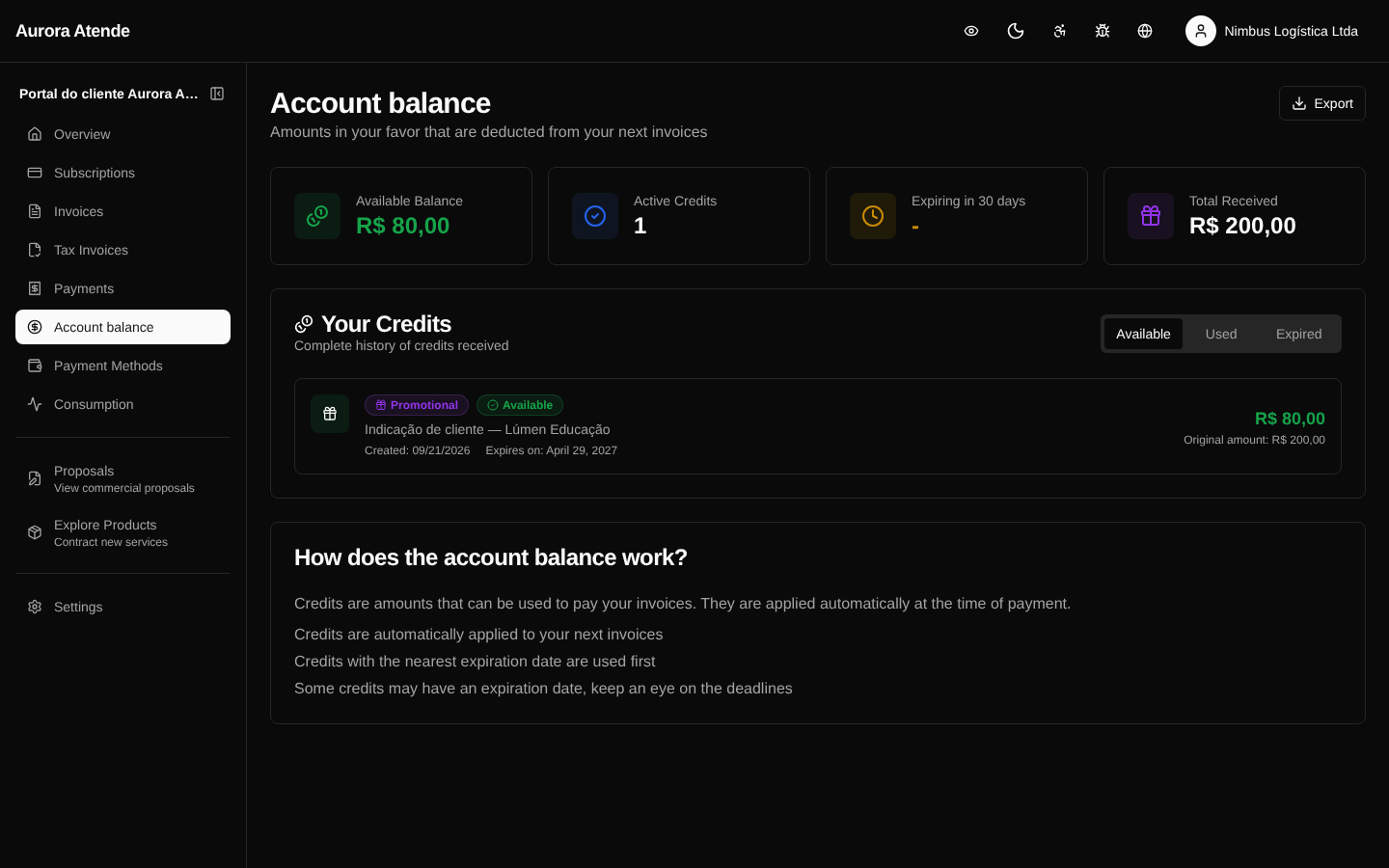
The /portal/credits page shows the billing account's credit balance and the history of applications. Credits arise for various reasons — downgrade proration, invoice refund, manual adjustment by the organization, promotion — and are automatically applied to upcoming invoices.
Balance
The top of the page shows the total available balance in reais. When there are credits with an expiration date, the page warns about the ones close to expiring.
History
Each credit record shows:
- Date it was generated
- Origin —
downgrade_proration,refund,manual_adjustment,promotion, etc. - Amount
- Status —
available,partially_applied,fully_applied,expired - Applications — invoices on which the credit was consumed (partially or fully)
How credit is applied
When an invoice is finalized (open), the billing engine consumes available credits in FIFO order (oldest first), until the credit is used up or the invoice is covered. The consumed amount appears as a negative line on the invoice and the remaining balance stays available.
When credit is not applied
- Invoices with
voidstatus or alreadypaid - When the plan configuration disables the use of credit
- Expired credits
Screenshot