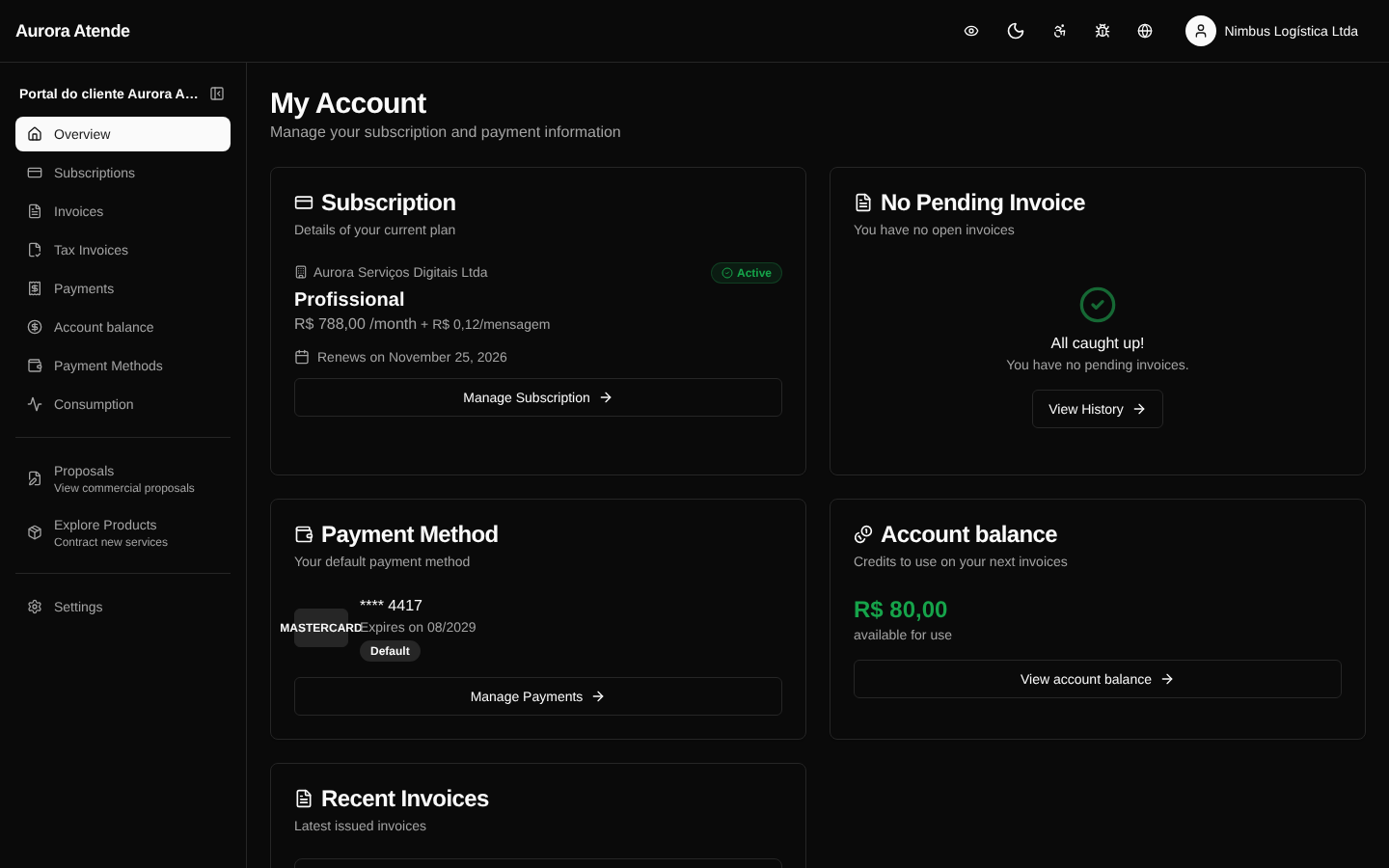
Account
At /portal/account the customer manages the billing account details (BillingAccount) — legal name, CNPJ/CPF, state and municipal registration, address, finance contact and emails for receiving invoices.
Editable data
- Legal name and trade name
- Document (CNPJ or CPF)
- State registration and municipal registration (when applicable)
- Full address — used for NF-e issuance and billing
- Emails for receiving invoices and charges
- Contact phone
Validations
- CNPJ and CPF are validated through their check digits.
- The CEP looks up the address automatically when possible.
- Changes to the CNPJ require reissuing open invoices (the organization can lock this field).
NF-e
When NF-e is enabled, the data on this page is copied into the issued fiscal document. Keeping the registration up to date avoids rejections due to mismatches at SEFAZ or the municipality.
Restricted updates
Some fields (document, fiscal address) may be locked for direct editing depending on the organization's policy — in those cases, the customer sees instructions to open a support ticket.
Screenshot