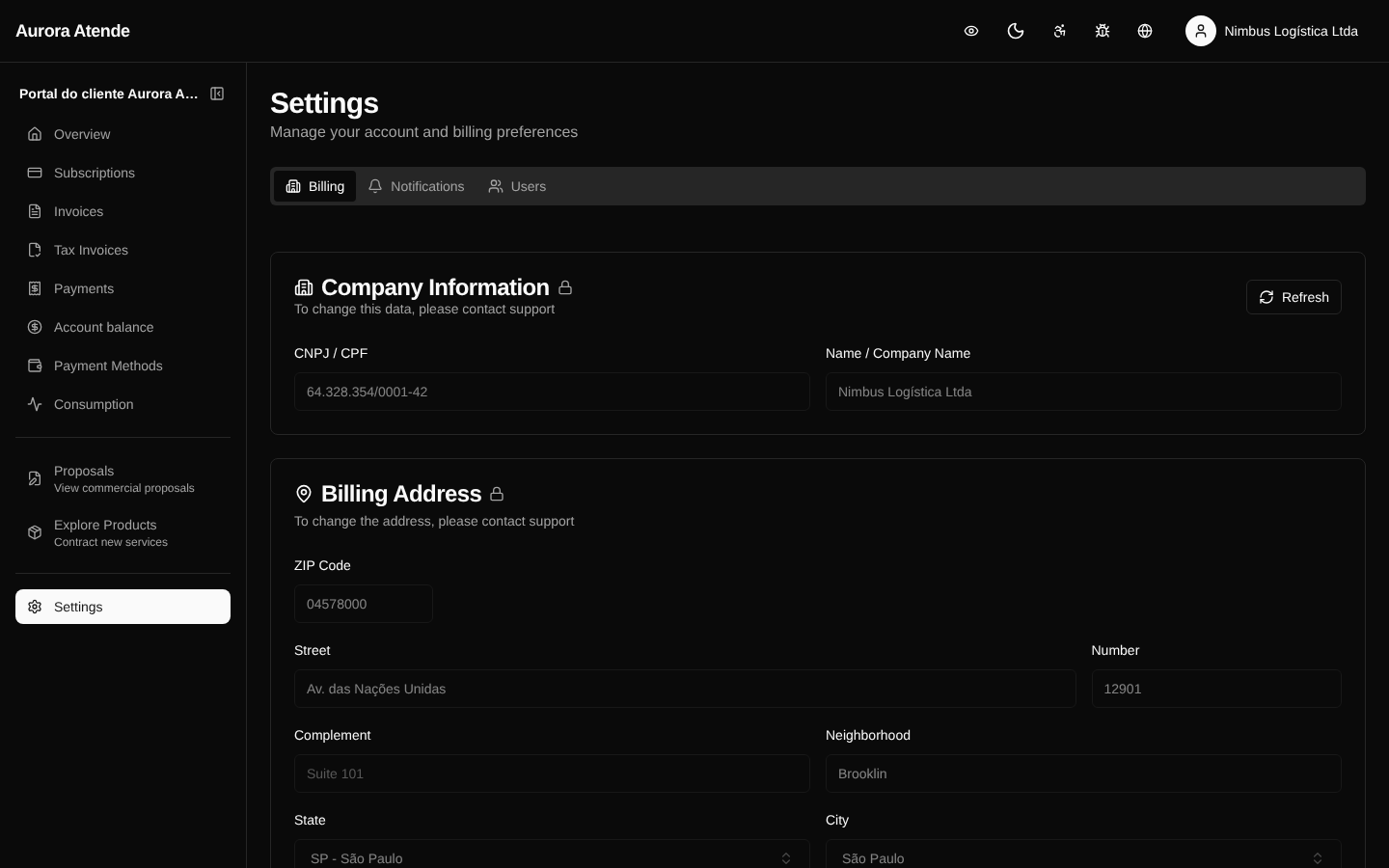
Settings
The /portal/settings page groups billing account preferences that affect how the customer receives charges and communications.
Billing preferences
- Default payment method — used for automatic charges.
- Preferred due day (when the plan allows it).
- Email for receiving invoices — can be different from the sign-in email.
- Communication language —
pt-BRoren-US.
Notifications
Toggles to enable/disable:
- Reminder before the invoice due date
- Payment confirmation
- Failed payment notice
- End of trial
- Plan change
- Card about to expire
- Receive NF-e by email
Each toggle controls a specific channel (email). Webhooks for integrations are configured in the organization's administrative dashboard.
Company details
Shortcuts to Account (fiscal data) and Payment Methods.
Screenshot