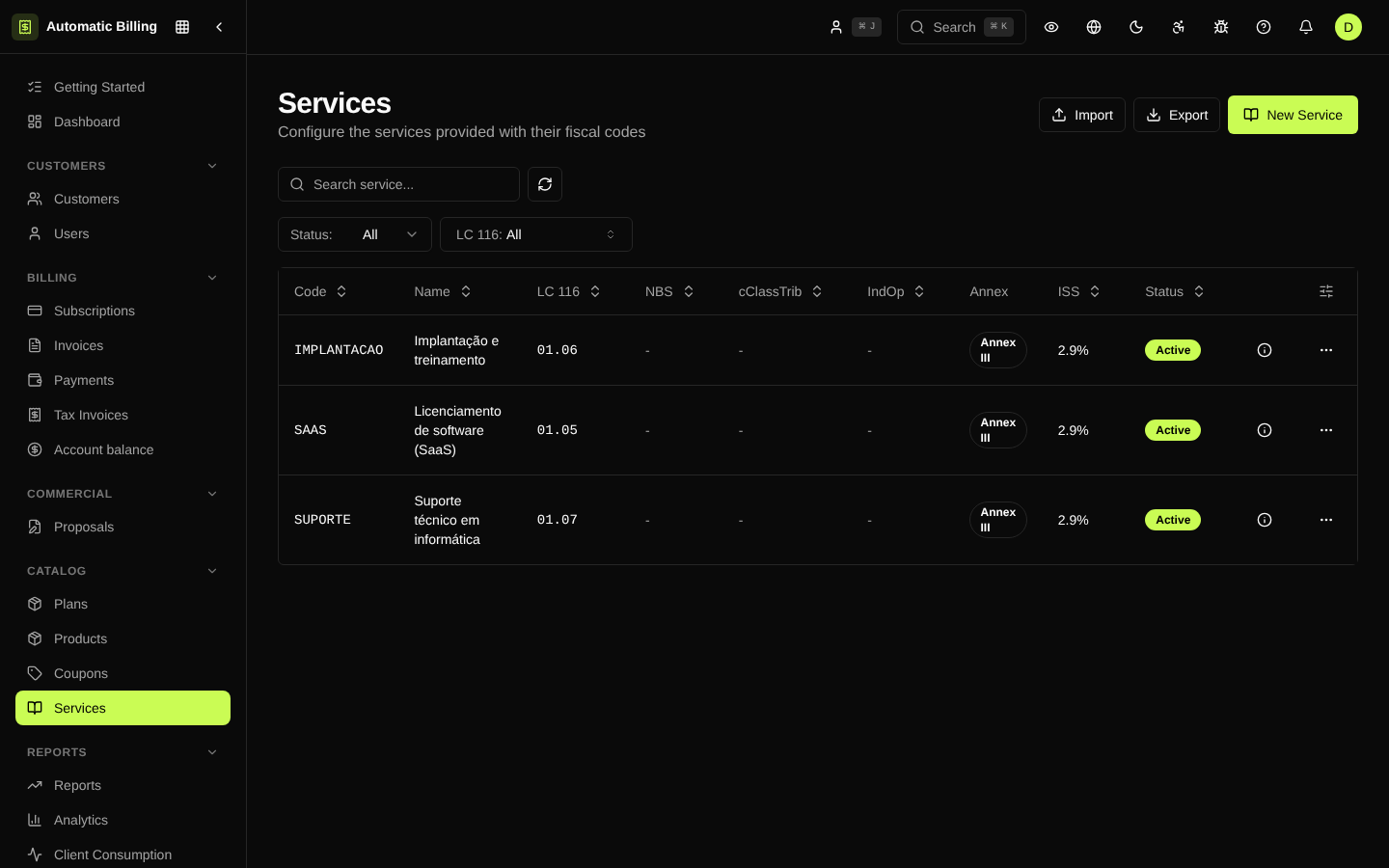
Service Items
Service items (/dashboard/service-items) are the catalog of fiscal descriptions used on service invoices and NF-e. Each item carries the information the municipality requires at issuance: municipal service code, LC 116 code, national tax code, and default ISS, PIS, COFINS, IR, INSS and CSLL rates.
Unlike a commercial product, a service item has no price of its own — it is linked to a product, plan or invoice line to provide the correct fiscal metadata. When an NF-e is generated, the tax engine looks up the linked item to fill in the required fields and calculate the taxes.
What each item stores
- Name and description — used in the body of the invoice.
- Municipal code — service code of the issuing municipality (varies by municipality).
- LC 116 code — national code defined by Complementary Law 116/2003.
- NBS / NCM — when applicable to services involving products.
- Default rates — used as the calculation base when there is no specific tax rule.
- Associated company (optional) — limits the item to one of the registered companies, useful for groups with branches in different municipalities.
When to use them
- SaaS catalog with few distinct services: register a single item ("Software license") and reuse it in every product.
- Multi-company operation across different municipalities: register the same service once per company, with each one's correct municipal code.
- One-off consulting, training or setup sales: create dedicated items so the NF-e comes out with the correct description and code.
Relationship with tax rules
When a tax rule is evaluated, it can filter by service item to apply specific rates — for example, an IR withholding only on consulting services. This lets you keep default rates on the item and exceptions in the rule.
Screenshot