Product Groups
Product groups allow you to categorize products to simplify organization, dashboard filtering, and linking with proposal templates.
Fields
| Field | Description |
|---|---|
| Name | Group name (unique per organization) |
| Slug | URL-friendly identifier |
| Company | Specific company (optional) |
| Proposal template | Default template for proposals in this group |
| Service item | Default fiscal service item for the group |
| Display order | Position in the interface |
Operations
- Create: Provide name, organization, and optionally company/template/service item
- Update: All fields are editable
- Archive/Unarchive: Activate and deactivate groups
- Reorder: Control the display order of groups
Screenshots
Group list
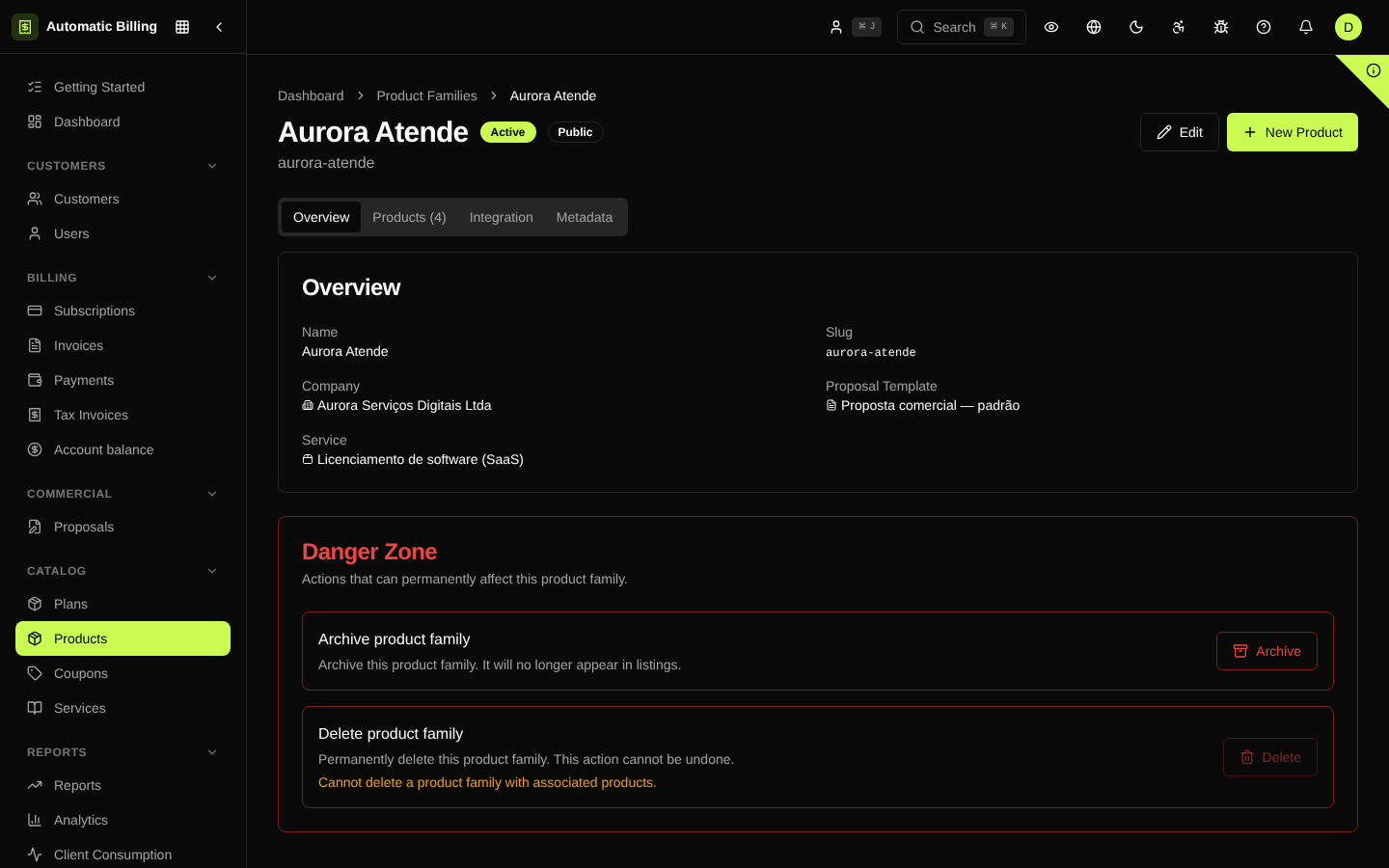
The /dashboard/product-groups screen lists the catalog groups with name, number of linked products, status and display order. Groups define how the catalog appears in the customer portal.
Group detail
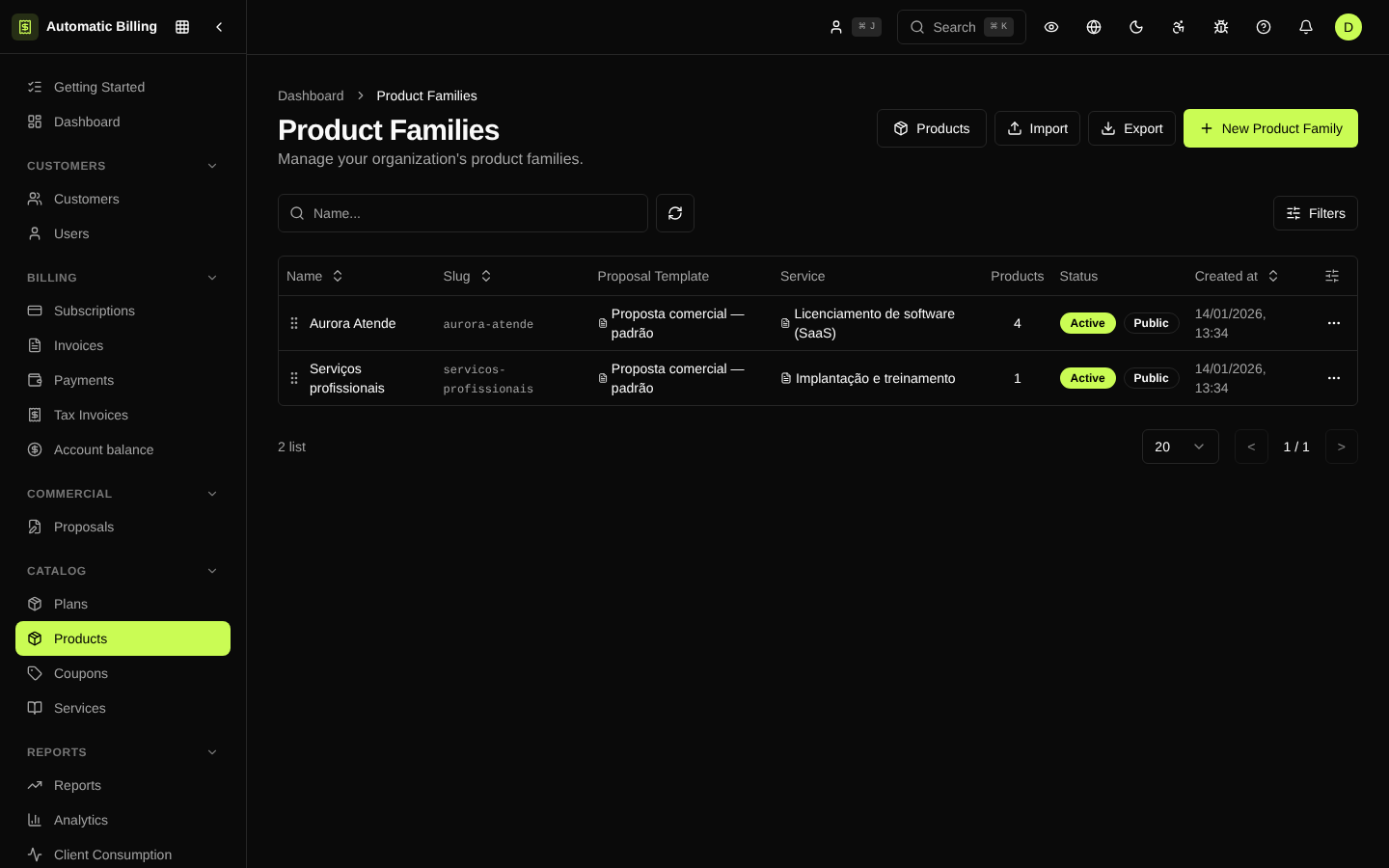
The /dashboard/product-groups/[id] page lets you organize the group's products, set the description shown in the portal, choose the default fiscal template/service item and archive it.