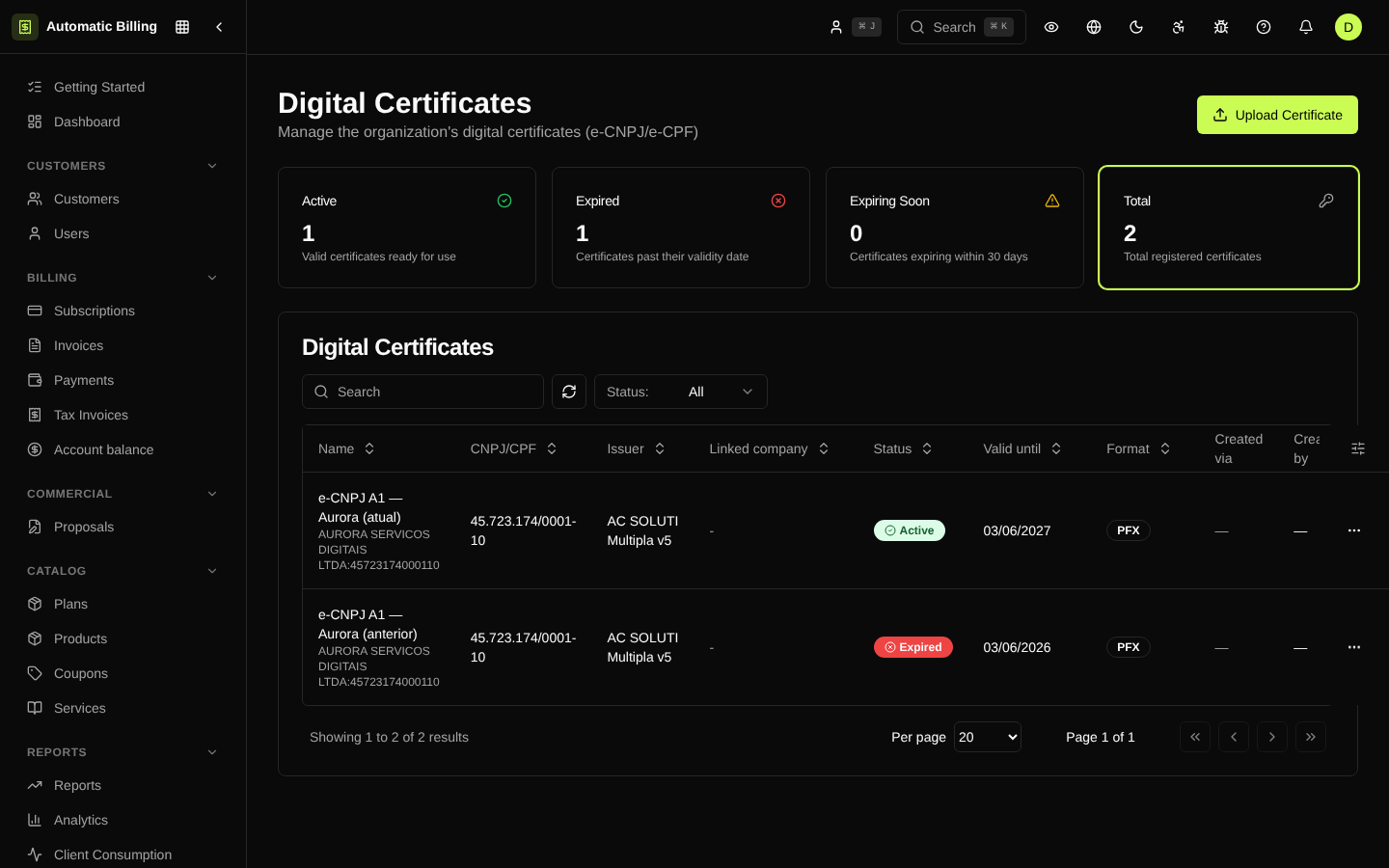
Digital Certificates
The /dashboard/certificates page manages the A1 digital certificates used to sign NF-e and to authenticate with the municipal web services. Each certificate is linked to a registered company and is stored encrypted at rest.
How it works
- Upload the
.pfxfile — the operator uploads the certificate and enters its password. - Automatic validation — the system checks the CNPJ, the validity and the certification chain.
- Encrypted storage — the
.pfxcontent and the password are encrypted with AES-256-GCM before going into the database. - Link to the company — a company can have only one active certificate at a time.
Information shown
- Associated company and CNPJ
- Validity — expiration date and a warning when fewer than 30 days are left
- Issuer — the Certificate Authority that issued it (Serasa, Certisign, Soluti, etc.)
- Status —
active,expiredorrevoked - Last use — date of the last signed NF-e
Alerts and renewal
The system notifies administrators when a certificate is close to expiring. Once it expires, the NF-e provider stops accepting the signature and new issuances fail until a new certificate is uploaded. Renewal replaces the file without losing the history of NF-e issued with the previous certificate.
Security
- Passwords and
.pfxbytes are encrypted at rest (seelib/crypto.ts). - Access to the page is restricted to members with the appropriate fiscal permission.
- Every creation, replacement or removal creates an entry in the Audit Log.
Screenshot