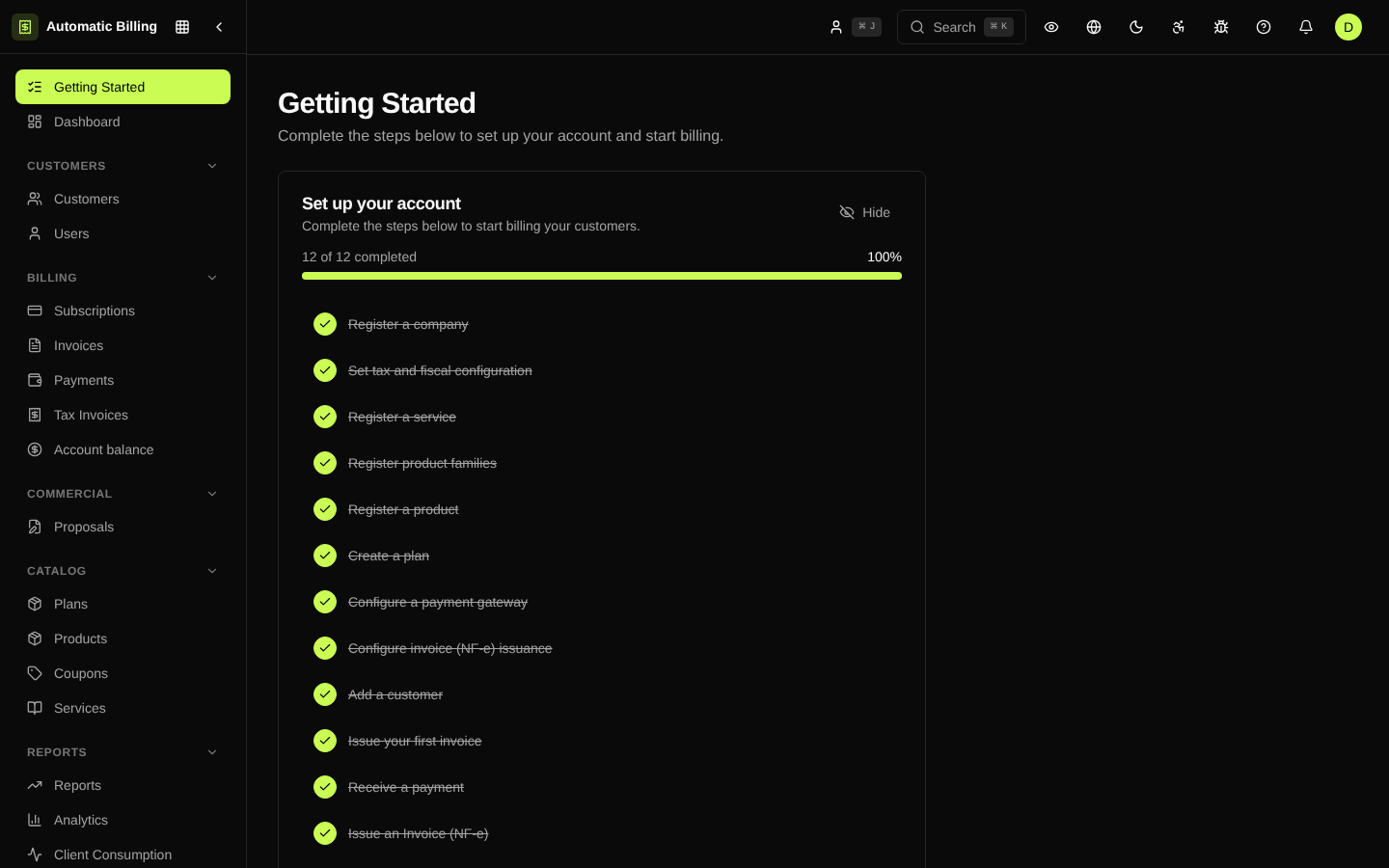
Getting Started
The Getting Started page (/dashboard/getting-started) is the starting point for new organizations. It presents a guided sequence of the tasks needed to start recurring billing: register the company, set up gateways and NF-e, create plans and products, import customers and activate the first subscription.
Each card on the page represents an onboarding milestone and shows the organization's state in real time (completed, pending or blocked). The dashboard uses these same checks to decide when to hide the initial instructions and show the operational metrics.
Suggested steps
- Set up the company and fiscal data — enter the CNPJ, tax regime and addresses in
Accounts > Companies. - Connect a payment gateway — choose a provider (Kobana, Asaas, Iugu, Pagar.me) in
Payment Gatewaysand set the default gateway per method (card, boleto, PIX). - Register plans and products — define the catalog in
Plans and Products, with cycles, amounts in reais and proration rules. - Enable NF-e issuance (optional) — select a provider in
Invoices (NF-e) > Settings, attach the digital certificate and map the service codes. - Import customers — use CSV import in
Export and Import > Importsor register them manually. - Create the first subscription — link a customer to a plan in
Subscriptionsand confirm the start of the cycle. - Set up dunning and notifications — in
DunningandSettings > Notifications. - Connect webhooks and the API — register endpoints in
Webhooks. The public API uses the Kobana Account access token (Authorization: Bearer), not a key generated here.
Screenshot