Users
The /dashboard/users page lists the customer portal users — individuals linked to a billing account (BillingAccount) who can sign in to the portal to view invoices, pay boletos, manage cards and update their details.
Unlike Members, who are the organization's internal operators, portal users are end customers (B2B2C). They authenticate via magic link or Kobana OAuth and see only the data of their own billing account.
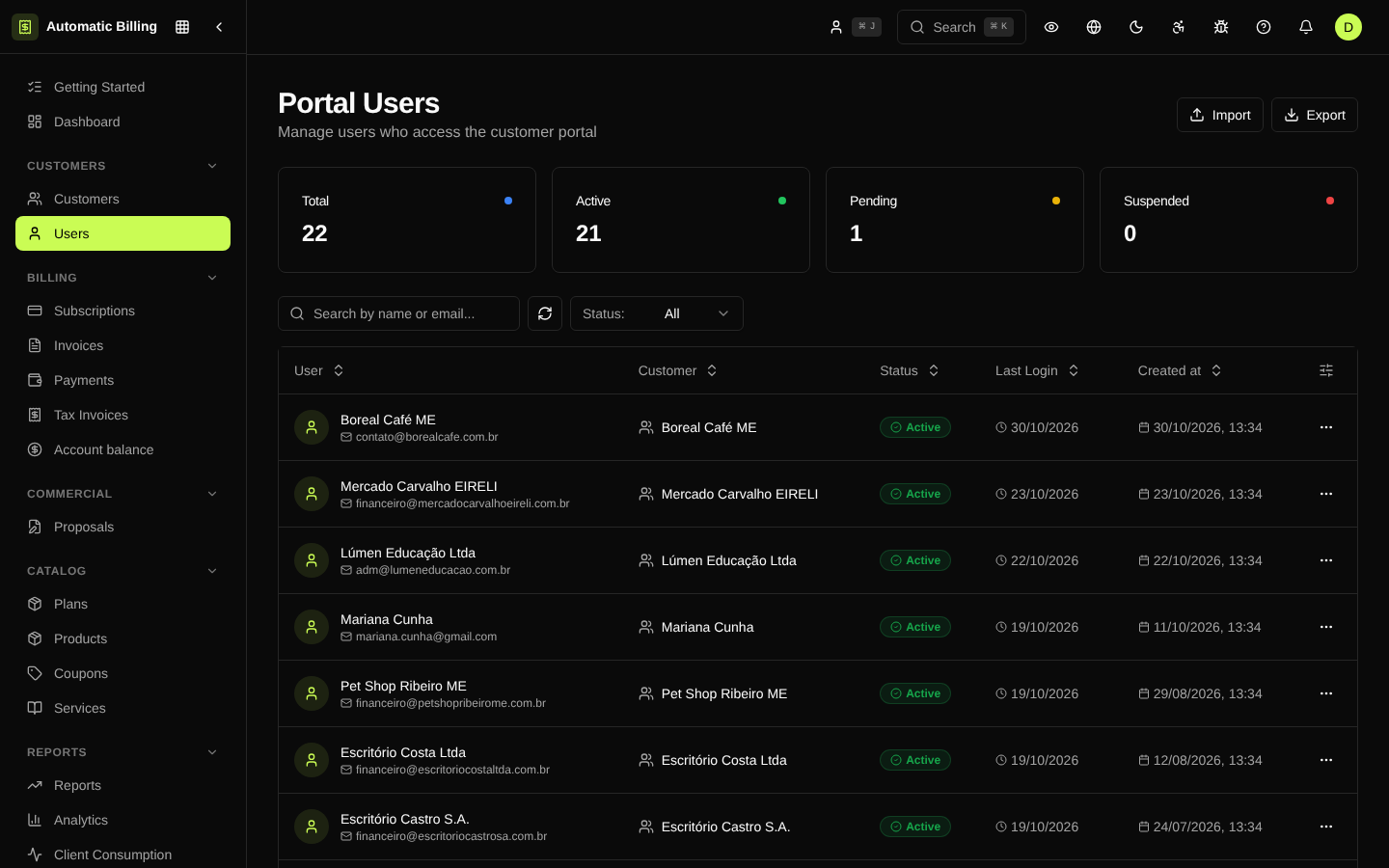
What the list shows
- User's email
- Linked billing account (legal name or customer name)
- Status —
pending,active,suspended - Last access — date and time of the last session
- Pending invitations — links that have not been accepted yet
Invite a user
From the detail of a billing account or directly on this screen, you can:
- Enter the email of the responsible contact.
- Set permissions within the portal (view, pay, change plan, manage methods).
- Send the invitation — the user receives an activation link.
The activation token is stored encrypted (lib/crypto.ts) and expires after use or after the configured period.
Resend and revoke
- Resend invitation — generates a new token and sends a new email.
- Suspend — blocks sign-in without deleting data.
- Remove — deactivates permanently. The audit history remains.
Screenshot