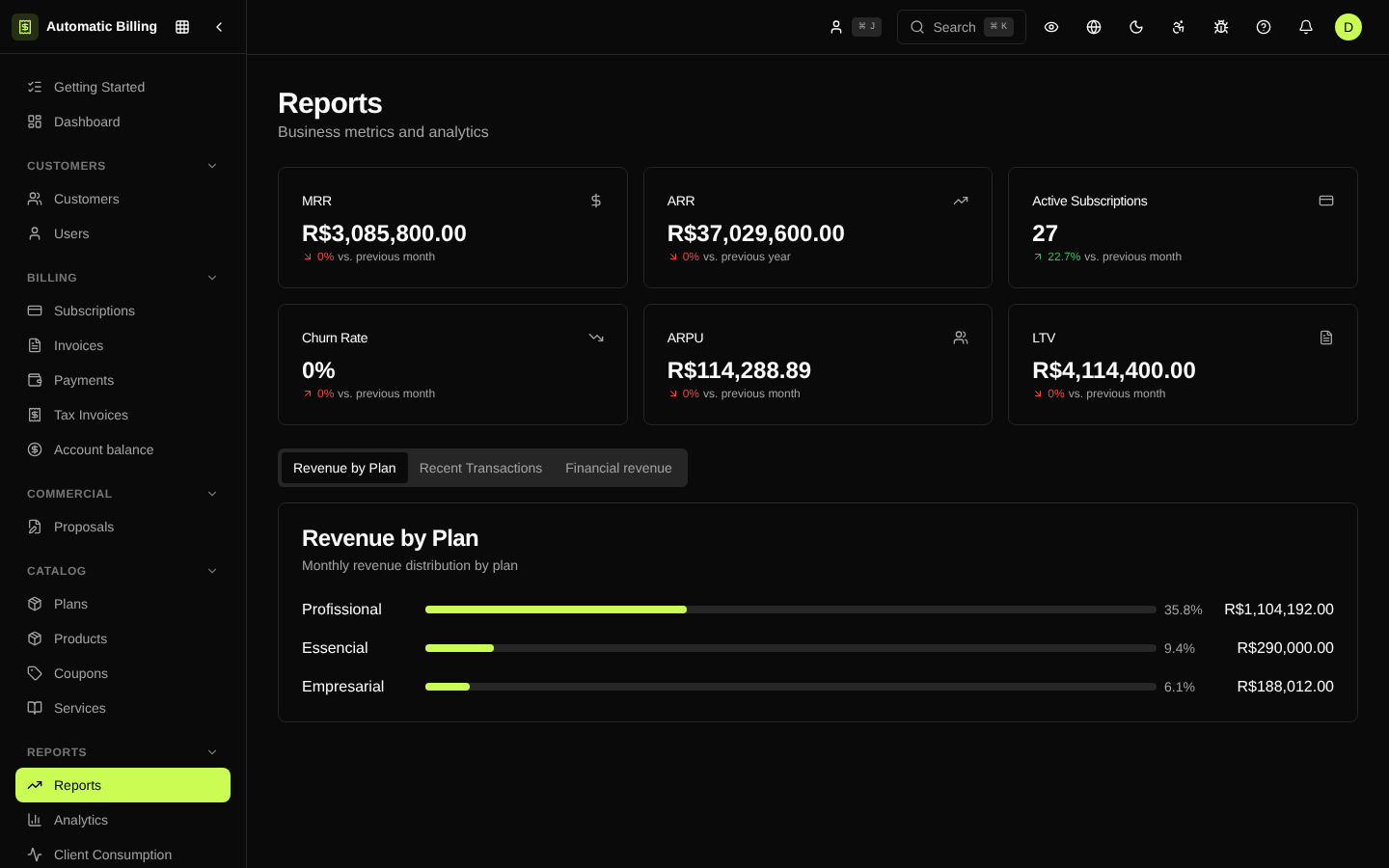
Reports
The reports center (/dashboard/reports) is where the finance, operations and support teams generate tabular extractions of the organization's data. Unlike Analytics, which aggregates metrics, reports deliver row-by-row data ready for reconciliation, auditing or building external spreadsheets.
Available reports
- Invoices in the period — all invoices with customer, status, amount, dates and payment method.
- Payments in the period — payments received, with gateway, method, fee and net amount.
- Refunds and reversals — reversal operations, with reason and operator.
- Active subscriptions — snapshot of the active base with plan, MRR, next cycle and collection method.
- Detailed churn — subscriptions canceled in the period, with reason and final LTV.
- Delinquency — accounts with an open invoice, grouped by range (1-30, 31-60, 61-90, 90+).
- Gateway reconciliation — comparison between what the platform recorded and what the gateway confirmed.
How to generate one
- Choose the report type.
- Set the filters (date range, company, plan, status, gateway).
- Select the format (CSV or XLSX).
- Confirm — the generation goes into the exports queue.
- When ready, the file is available in Exports and is sent by email.
Heavy reports run in the background so the browser does not hang. The status (pending, processing, completed, failed) updates in real time.
Screenshot