Members and Roles
The members page (/dashboard/members) lists everyone with access to the organization's dashboard. Each member has an email linked to Kobana authentication and one or more roles that define what they can see and change.
Invite a member
- Click Invite Member and enter the email.
- Select one or more roles (e.g.
admin,fiscal,financeiro,read_only). - The user receives an acceptance link by email.
- After accepting, the member shows up with
activestatus and can sign in via SSO.
Member status
- invited — invitation sent, waiting for acceptance.
- active — access granted.
- suspended — access temporarily blocked, without removing the history.
- removed — member removed (the audit of previous actions is kept).
Roles
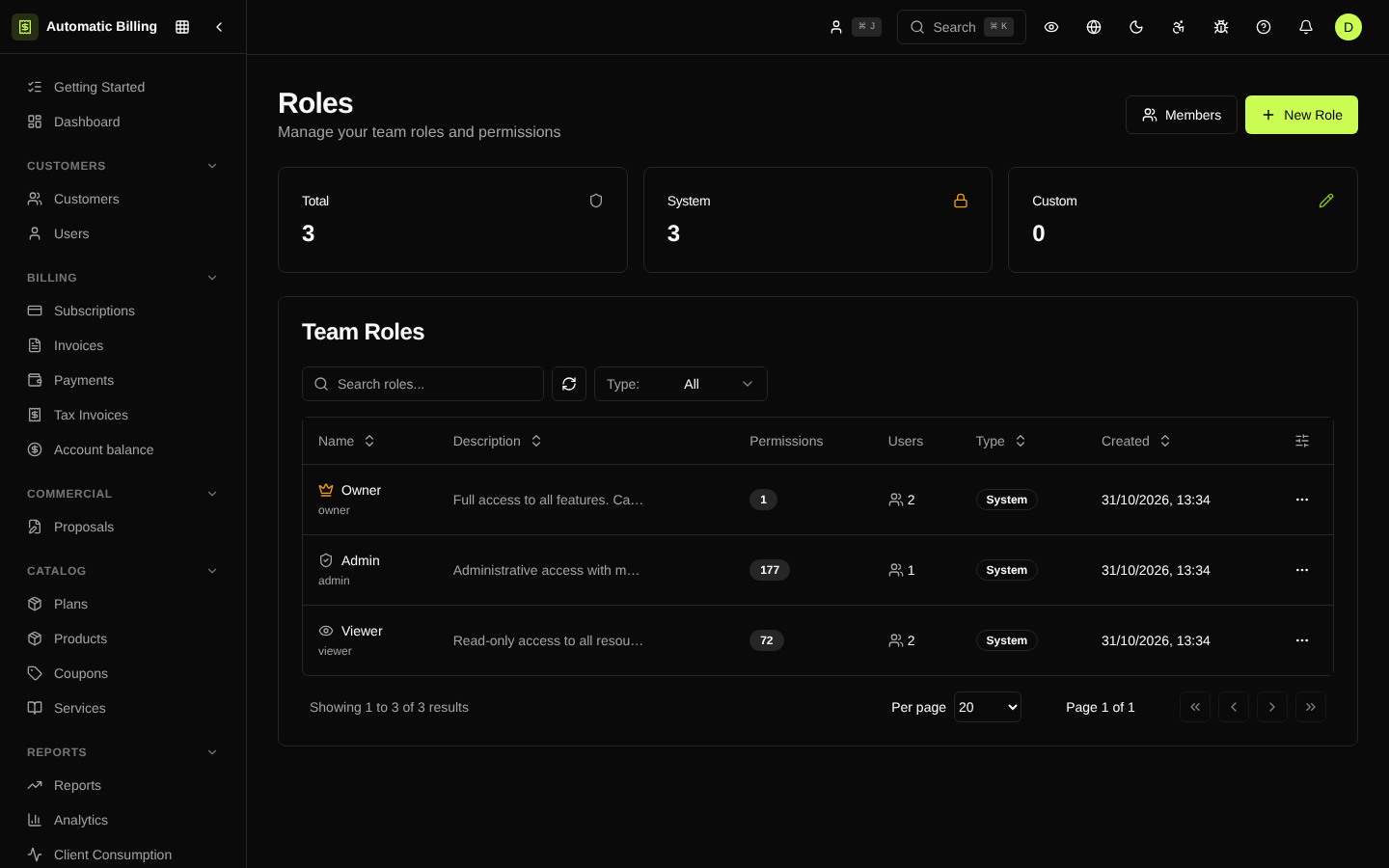
Roles are managed at /dashboard/members/roles. Each role is a set of granular permissions — for example, "can issue NF-e", "can refund a payment", "can change a plan". The organization can create custom roles in addition to the default ones.
Default roles
| Role | Typical access |
|---|---|
| Owner | Full access, including platform billing |
| Admin | Settings, members, invoices, plans, NF-e |
| Finance | Invoices, payments, credits, dunning, exports |
| Fiscal | NF-e, tax rules, tax periods, certificates |
| Sales | Customers, plans, subscriptions, proposals |
| Read-only | View all areas, no actions |
Custom permissions
When creating a new role, you can turn individual permissions on or off per resource (customers, subscriptions, invoices, NF-e, tax rules, gateways, webhooks, etc.). Each permission can be read, create, edit or delete.
Audit
Every change to members and roles is recorded in the Audit Log: who invited, who accepted, who changed a role, IP and User-Agent.
Screenshots
Member list
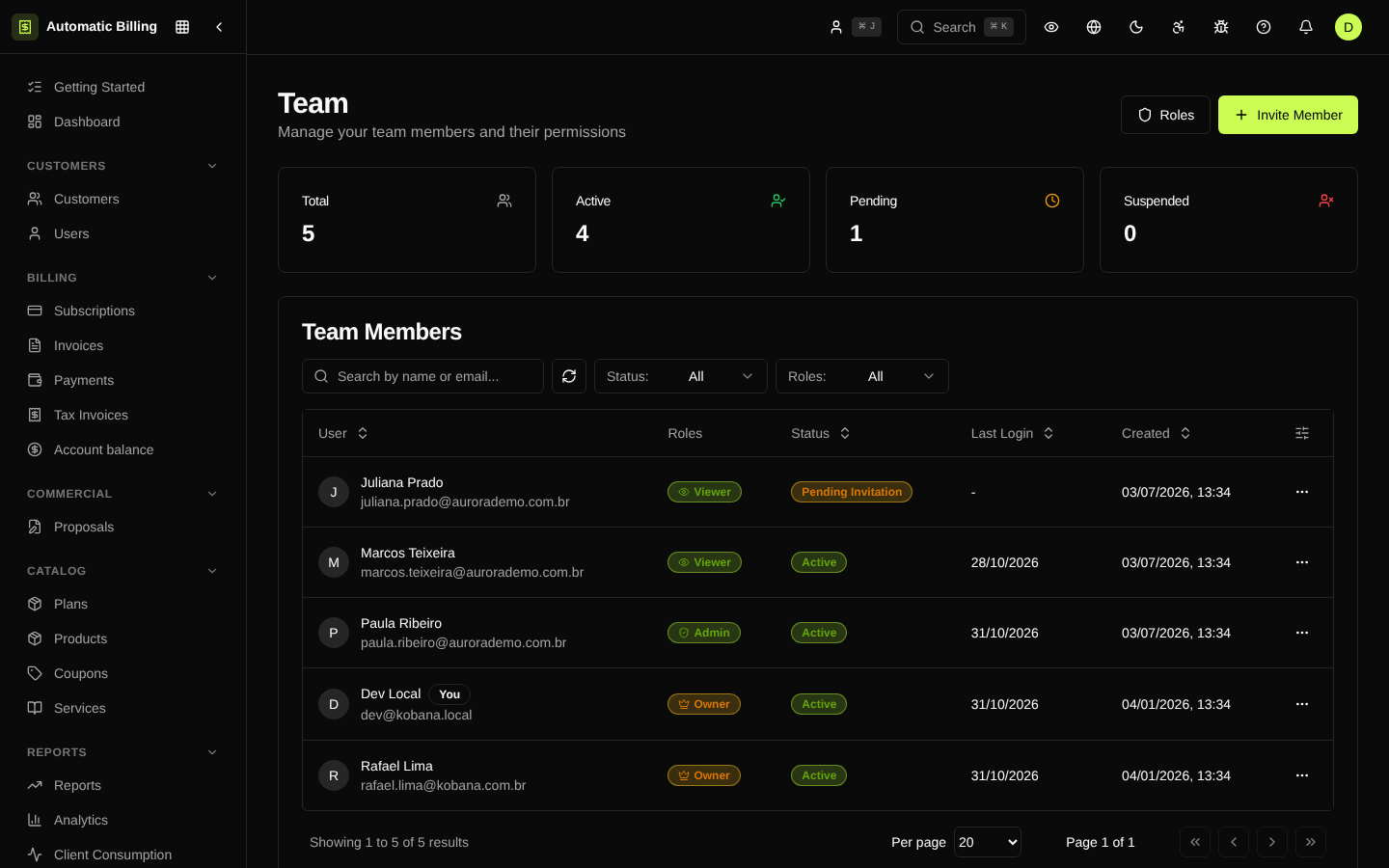
Role management