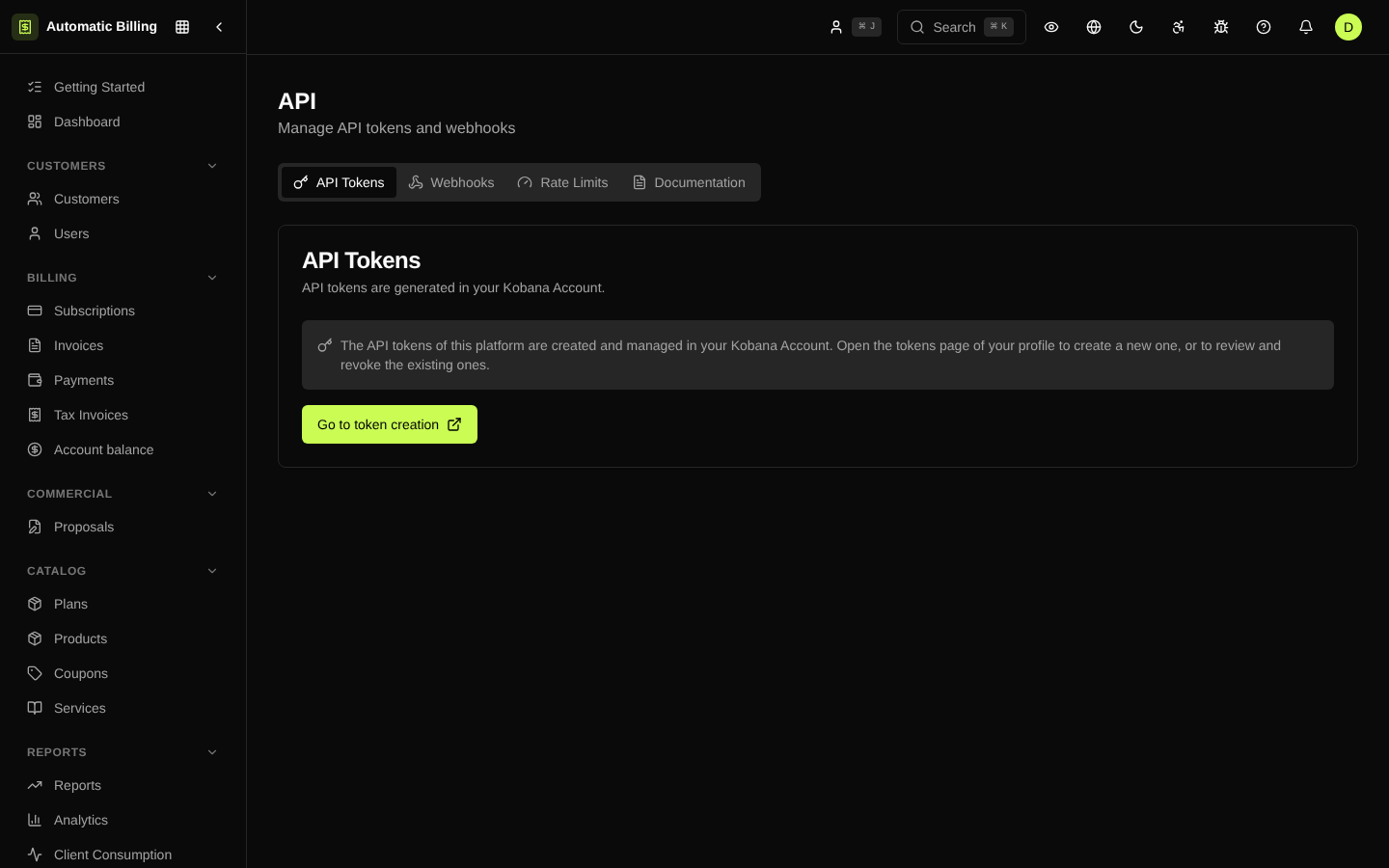
API Keys
At /dashboard/api the organization manages its API keys. Each key
belongs to an organization, has a set of scopes and can be revoked at
any time.
:::caution The public API no longer uses API keys
/api/v1 now accepts only the access token from Kobana's Authorization
Server (Authorization: Bearer <token>), verified against the public key
it publishes. A key created here does not authenticate the public API.
The reason is that the key was both the credential and what verified it: anyone who read the key store could act as any organization, and every rotation was a conversation with a customer. With the token, the Authorization Server issues it and the platform can only verify it. :::
Key types
- Live (
sk_live_...) — used in production. They operate on real data and create real charges. - Test (
sk_test_...) — point to the sandbox; ideal for the initial integration and automated tests.
Create a key
- Click New key.
- Give it a descriptive name (e.g. "Production backend", "Import worker").
- Select the scopes:
subscriptions:read/subscriptions:writeinvoices:read/invoices:writepayments:read/payments:writecustomers:read/customers:writenfes:read/nfes:writewebhooks:manage
- Optionally restrict it by IP (list of CIDR prefixes).
- The key is shown only once after it is created. Copy it and store it in a vault.
Best practices
- One key per application — makes it easy to revoke access without affecting other systems.
- Minimal scopes — grant only what the application needs.
- Periodic rotation — generate a new key, update the application and revoke the old one.
- Never commit — keys should live in environment variables or a secrets vault.
Rate limits
Each key follows the limits configured in Rate Limiting. Requests over the limit return 429 Too Many Requests with a Retry-After header.
Audit and usage
The page shows:
- Status —
activeorrevoked - Last used — date, IP and endpoint called
- Volume — requests in the last 24h and the last 30 days
Every creation or revocation is recorded in Audit.
API documentation
The complete endpoint reference is available in the API section of the side menu.
Screenshot